Student Life and Technology: Choose the Device That Suits Your Needs


Student Life and Technology: Choose the Device That Suits Your Needs
When a new academic year begins, your digital device quickly becomes one of your most important tools. From taking notes and writing essays to joining online lectures and collaborating on group projects, you need equipment that fits your study habits and lifestyle. But should you go for a laptop, a tablet – or perhaps a combination of both? Here’s a guide to help you find the device that best suits your needs as a student in the UK.
Know Your Needs Before You Buy
Start by thinking about how you’ll use your device day to day. Do you mainly read articles, write essays and attend online seminars? Or do your studies involve demanding software such as design, video editing or coding tools?
- Arts, humanities and social sciences: If your work revolves around reading, writing and presentations, a lightweight laptop or a tablet with a keyboard will usually be enough.
- STEM and creative subjects: Engineering, computing, and design students often need more power. Choose a laptop with a fast processor, plenty of RAM and a dedicated graphics card.
- Always on the move? If you commute or travel between campus and home, weight and battery life matter more than raw performance. A compact device with long battery life can make your day much easier.
Understanding your needs helps you prioritise features – and avoid paying for performance you’ll never use.
Laptop – The Classic Choice
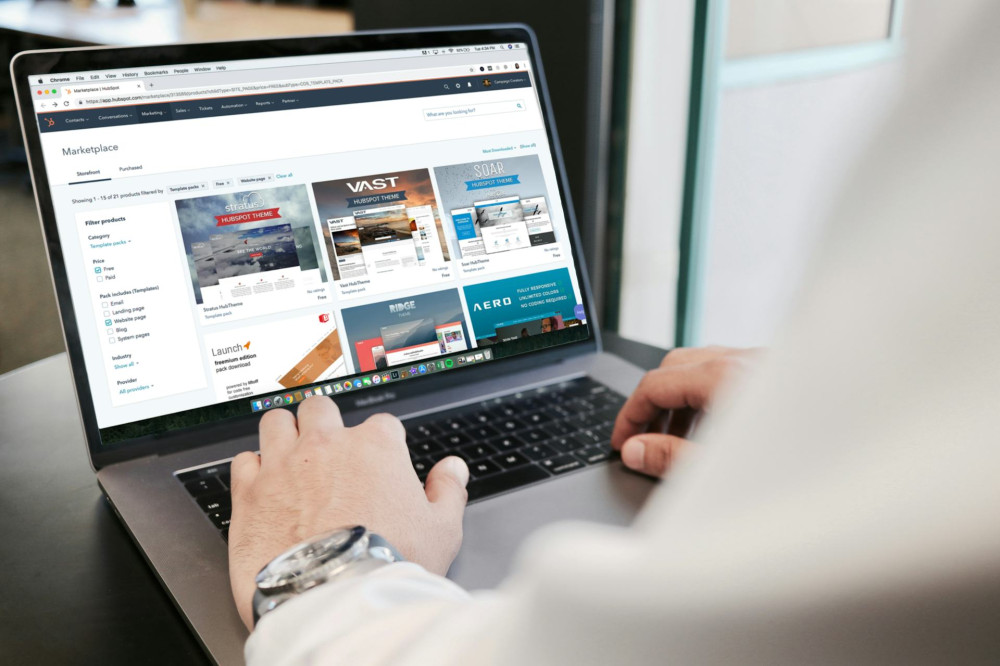
For most students, a laptop remains the most versatile option. It can handle everything from essay writing to complex software, and a full keyboard makes long writing sessions more comfortable.
Pros:
- Strong performance and flexibility
- Great for multitasking and large files
- Easy to connect to external screens and accessories
Cons:
- Heavier than tablets
- Shorter battery life on powerful models
- Often more expensive
If you choose a laptop, look for at least 8 GB of RAM, an SSD drive and a 13–15 inch screen – a good balance between portability and comfort.
Tablet – Light, Flexible and Perfect for Notes
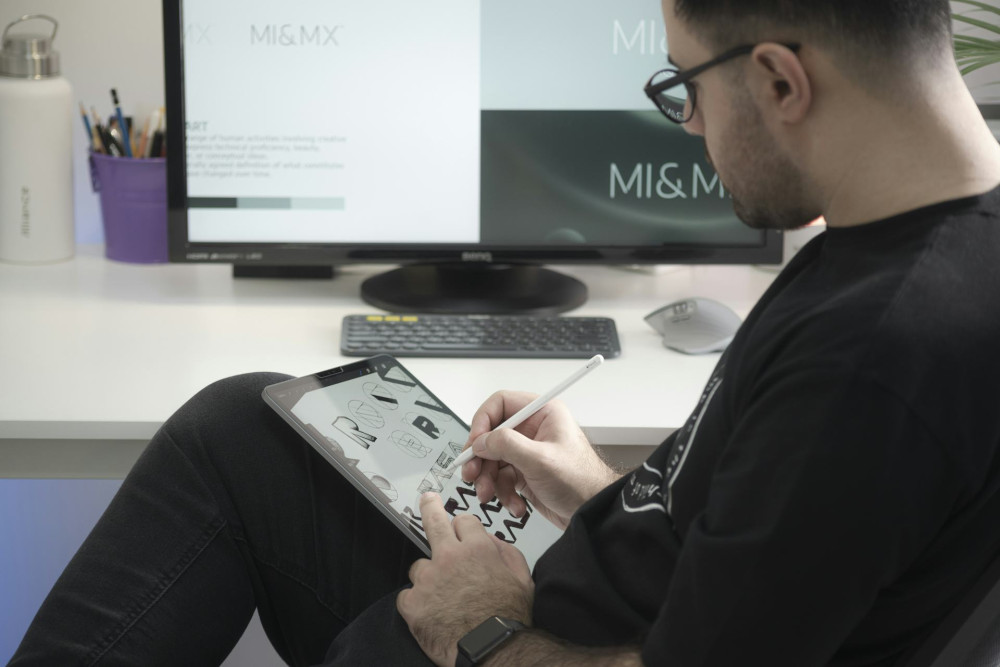
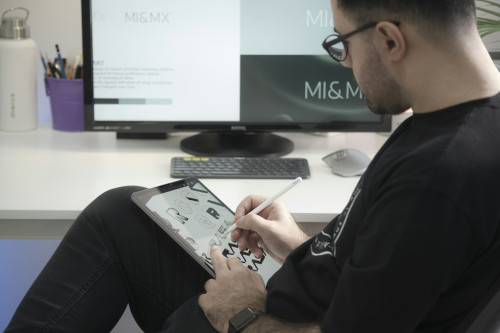
Tablets have evolved far beyond entertainment devices. With a detachable keyboard and stylus, they can be excellent study companions, especially for note-taking, reading and online learning.
Pros:
- Extremely portable
- Long battery life
- Ideal for handwritten notes and e-books
Cons:
- Limited storage and processing power
- Not all software is available as apps
- Less suitable for long writing tasks
A tablet can be a great supplement if you already have access to a desktop computer at home. Many students find that combining a tablet with cloud storage offers a flexible and lightweight solution.
Læs også:


2-in-1 Devices – The Best of Both Worlds?
Hybrid devices that function as both laptop and tablet have become increasingly popular among students. They allow you to type essays with a keyboard and take handwritten notes on the same device.
Pros:
- Combines flexibility and functionality
- Great for both typing and drawing
- Usually lightweight with solid battery life
Cons:
- Can be pricier than standard laptops
- Less powerful than high-end models
- Keyboards and hinges can feel less sturdy
If you want one device for everything, a 2-in-1 could be the perfect compromise – especially if you value mobility and versatility.
Software and Accessories – Don’t Forget the Essentials
Whatever device you choose, the right software and accessories make a big difference. Most UK universities offer free access to Microsoft Office 365 or Google Workspace, so make sure to take advantage of that. Reliable cloud storage and regular backups are also essential.
Consider investing in:
- External hard drive or cloud subscription for backups
- Wireless mouse and keyboard for better ergonomics
- Headphones with a microphone for online lectures
- Protective case or backpack to keep your device safe on the go
Small accessories can make your study life much more comfortable and efficient.
Think Long-Term – and Sustainably
A good study device should last several years. Choose a model that can be updated and repaired, with a durable battery and solid build quality. Buying refurbished or second-hand equipment can also save money and reduce environmental impact.
When your studies are over, a reliable device will still serve you well for work, creative projects or everyday use – making it worth investing in quality from the start.
The Best Device Is the One That Fits You
There’s no single perfect choice for every student. The key is finding the right balance between price, performance and portability for your lifestyle. Whether you go for a classic laptop, a lightweight tablet or a flexible hybrid, the most important thing is that your technology supports the way you learn and work – not the other way around.
Læs også: