Is a hybrid device the right choice for you? Here are the pros and cons

Is a hybrid device the right choice for you? Here are the pros and cons
In recent years, hybrid devices – also known as 2-in-1 laptops – have become increasingly popular among students, professionals, and anyone who values flexibility. A hybrid device combines the best of both worlds: the performance of a laptop and the portability of a tablet. But is it the right option for you? Here we look at the main advantages and disadvantages to help you make an informed decision.
What is a hybrid device?
A hybrid device is a computer that can function both as a laptop and as a tablet. It usually features a detachable or foldable keyboard, allowing you to switch between typing on a physical keyboard and using the touchscreen. Some models have a 360-degree hinge, while others use a magnetic keyboard that can be removed completely.
The idea is to give you the freedom to work, read, draw, or stream – depending on the situation. This makes hybrid devices particularly appealing to those who want one device for both work and leisure.
The advantages: flexibility and portability
The biggest strength of a hybrid device is its versatility. You can use it as a traditional laptop when you need to type, and as a tablet when you want to browse, sketch, or watch films.
- Lightweight and portable – Most hybrid devices weigh under 1.5 kg, making them ideal for commuting, studying, or travelling.
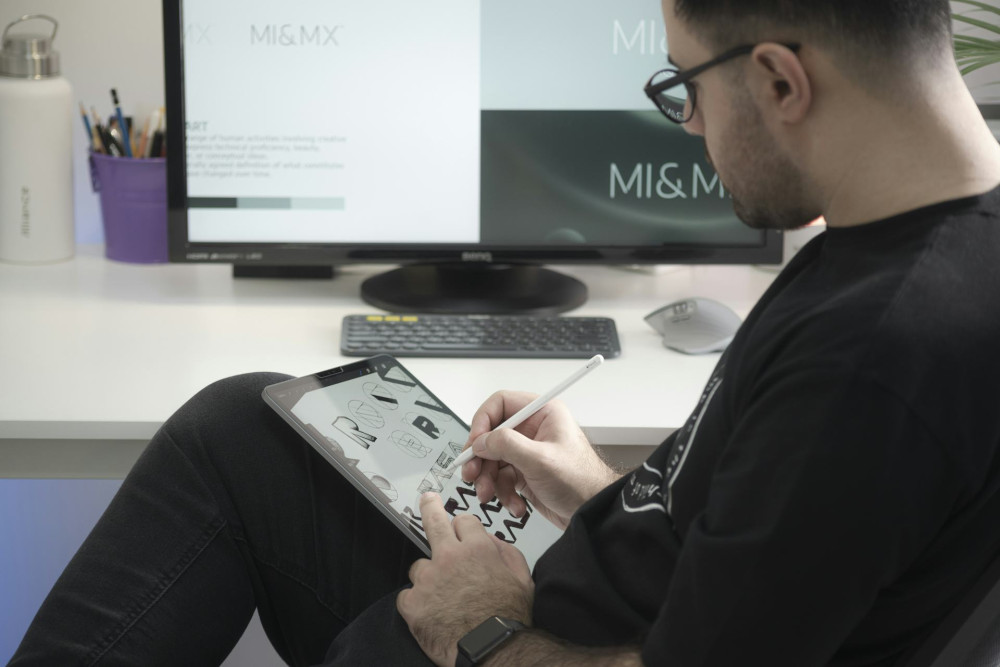
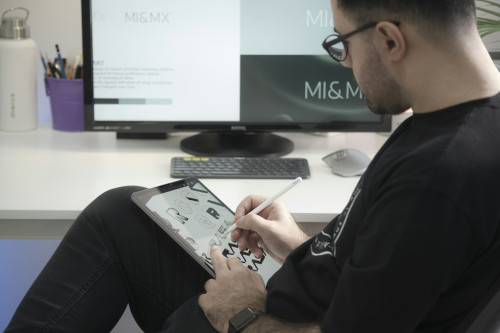
- Touchscreen and stylus support – Many models support digital pens, which is great for creative tasks such as drawing, note-taking, or design work.
- Long battery life – Hybrid devices are often designed for energy efficiency, allowing you to work for a full day without recharging.
- All-in-one convenience – You only need one device instead of both a laptop and a tablet, saving space and potentially money.
For many users, this means they can handle everything from emails and word processing to streaming and light photo editing on a single device.
The disadvantages: performance and comfort
While hybrid devices are convenient, they do come with compromises. Their compact size and flexible design often mean trade-offs in performance and ergonomics.
- Limited processing power – Most hybrids use energy-efficient processors that can struggle with demanding tasks such as video editing or gaming.
- Smaller keyboard and screen – The detachable keyboard can feel cramped, and the screen is usually smaller than on a standard laptop, which can be tiring during long work sessions.
- Price versus performance – You often pay a premium for flexibility. A mid-range hybrid can cost as much as a more powerful traditional laptop.
- Durability and repairability – Moving parts and slim designs can make hybrids more vulnerable to wear and tear.
If you mainly use heavy software or need a full-sized keyboard for long hours of typing, a traditional laptop might still be the better choice.
Who is a hybrid device best suited for?
A hybrid device is ideal for those who value mobility and flexibility over raw performance. It’s a great fit for:
- Students, who want to take handwritten notes, read e-books, and write essays on the same device.
- Professionals on the go, who need a lightweight computer for meetings, presentations, and emails.
- Creative users, who sketch, design, or brainstorm visually.
- Home users, who want one device for both work and entertainment.
However, if you work with demanding software, play graphics-intensive games, or need multiple ports and upgrade options, a traditional laptop or desktop PC will likely serve you better.
How to choose the right model
When considering a hybrid device, there are a few key factors to look out for:
- Screen size and resolution – A 12–13" screen is often a good balance between portability and comfort.
- Processor and RAM – Aim for at least an Intel Core i5 or equivalent, and 8 GB of RAM for smooth performance.
- Storage – A 256 GB SSD or larger provides fast start-up times and enough space for documents and apps.
- Battery life – Check both manufacturer claims and user reviews for a realistic idea of how long it lasts.
- Keyboard and stylus – Find out whether they’re included or sold separately, as this can affect the total cost.
It’s also worth visiting a shop to try the device in person, so you can see how the keyboard and screen feel before buying.
Læs også:


Conclusion: a flexible solution – but not for everyone
Hybrid devices offer a rare combination of mobility and functionality that suits many modern lifestyles. They’re light, versatile, and perfect for those who work or study on the move. But they’re not necessarily the best choice for everyone – especially if you need high performance or long-term comfort.
Think carefully about how you use your computer day to day. If you value flexibility and simplicity, a hybrid device could be the perfect fit. If you prioritise power and ergonomics, a traditional laptop is still hard to beat.
Læs også: